-
Residential Services
- Internet
- Wireless
- Phone
- Nemont.TV
- Business Services
- Customer Center
- 'How To' Videos
- Careers
-
Announcements
- Nemont Announces 2023 Scholarship Winners
- Helping Dr. Haley Menge improve Patient Care with Nemont Fiber High-Speed Internet Connectivity
- From Fiber to Field
- Sagebrush Cellular selects Ericsson to modernize its network with 5G capabilities
- Nemont Announces Scholarship Recipient
- Nemont Recognized at NTCA ‘Marketing eXcellence Awards’
- BAND: Caring for Communities Across North Dakota
- Nemont acquires Parsec Data Management, Montana's premier full-service Tier 3 Data Center
- COVID-19 Statement
- Nemont receives 2020 BroadbandNow Annual Internet Service Provider awards
- Fact Sheet: 988 and Suicide Prevention Hotline
- About Us
- Contact Us
- QUESTIONS? CALL: 1-800-636-6680
- WEBMAIL
- BLOG
- 4G VOICEMAIL
- MY ACCOUNT
Wireless Phones
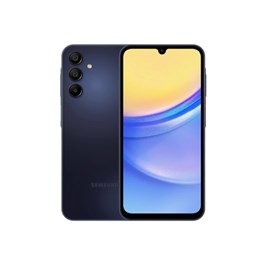

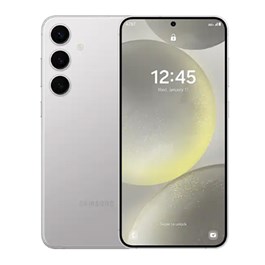
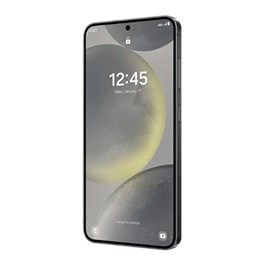
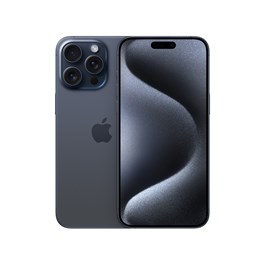
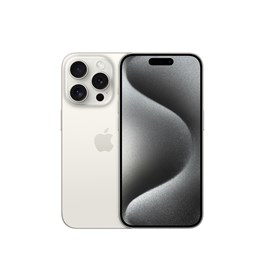
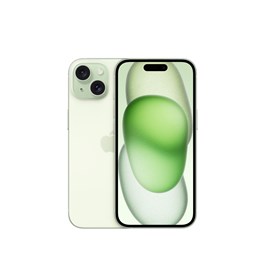
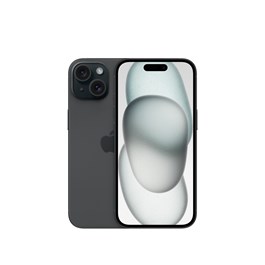
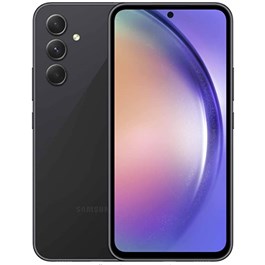
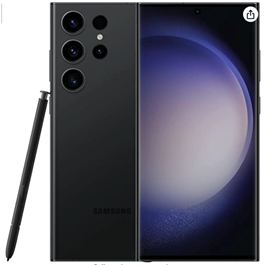
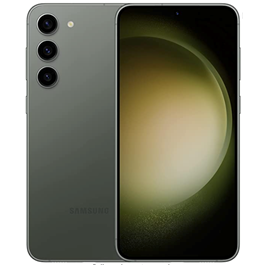
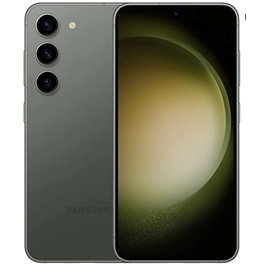
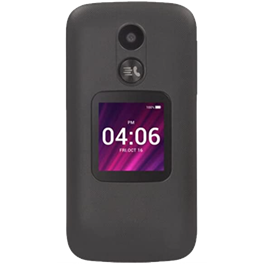
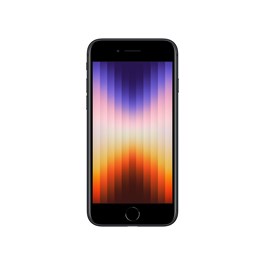
100% of the wireless handsets sold by Nemont are HAC rated.
Learn More Here: HAC Compatibility
Please read descriptions carefully. Monthly Installment plan is available to qualified buyers for Nemont's 4G product only. Zero down is for qualified customer only. Down payment will be determined by credit rating. Monthly price is calculated by taking the Retail Price and dividing by 24 months. Some restrictions apply. See store for details. Handset Protection is an additional feature with an additional price.